 DJIVE
DJIVEDJIVE / Interactive video wall
People can send something back
A looped visual is just a video wall. With DJIVE, the room can send a shoutout, request a track you actually have, vote, react, send a photo, or tip. The QR is on your VirtualDJ output. Nothing goes on the TV until you approve it, unless you’ve turned auto-approve on for shoutouts and photos.

How it works on the night
- They scan The wall says join the venue Wi-Fi, then scan. There isn’t a website written on the screen. If that Wi-Fi blocks phones, Online puts a DJive.co.uk link in the QR.
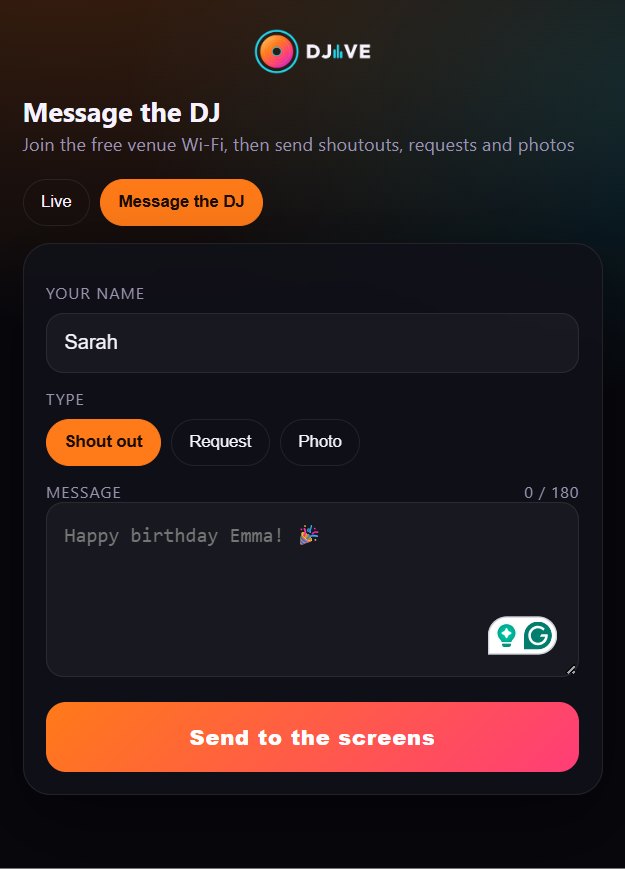
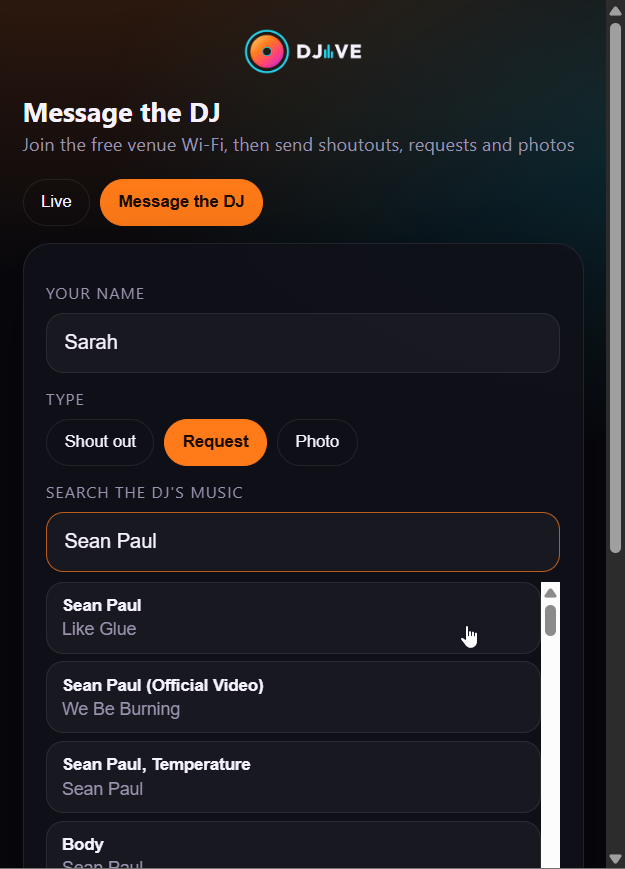
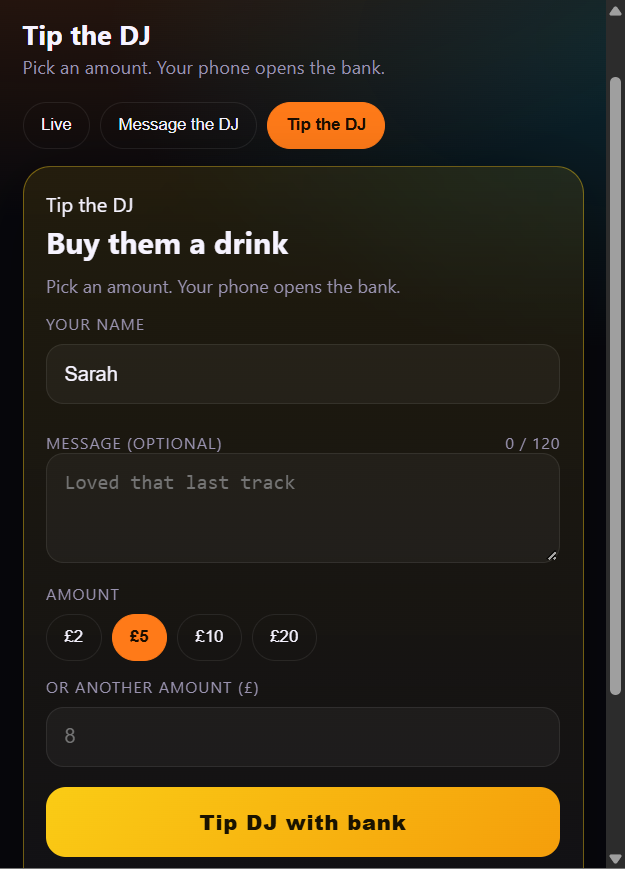
- On the phone Live, Message, Requests, and Tip the DJ. No app store. Live is what’s on the wall right now, including reacts and votes. Requests is a song or karaoke from your library. On Pro you can put a photo and some words behind that page from Settings, Brand. DJive Theme stays as it is.
- You approve it Approve and show, refuse, or block the phone. Auto-approve can let shoutouts and photos go up on their own. Tips still wait until you’ve checked the money.
- Then it shows It hits the big card first. If another card is up, it waits. Then it moves into the chat. Enough reacts in the time you set puts fire on that card.
Things you can call on the mic
Start a vote from the booth. Bride or groom, next genre, last orders. On Pro, a whole word on a shoutout plays one backdrop behind the panels: birthday, dance, shots, winner. Names stay readable. You can also run a pub quiz, bingo, Geo Guesser, Open the Box, a raffle, or Community Touch. What each game does.
A manager can post a venue notice with a 5-digit PIN from under the booth usage bar. Notices jump to next. The PIN is not on the QR.
Requests come from your library
People search the VirtualDJ library on this PC, including a drive you’ve plugged in. Remixes of the same track stack, so you see how many asked. Mark Played or Refuse. How a night runs from the booth.
Video wall · Guest wall walkthrough · Clubs · Weddings · FAQ