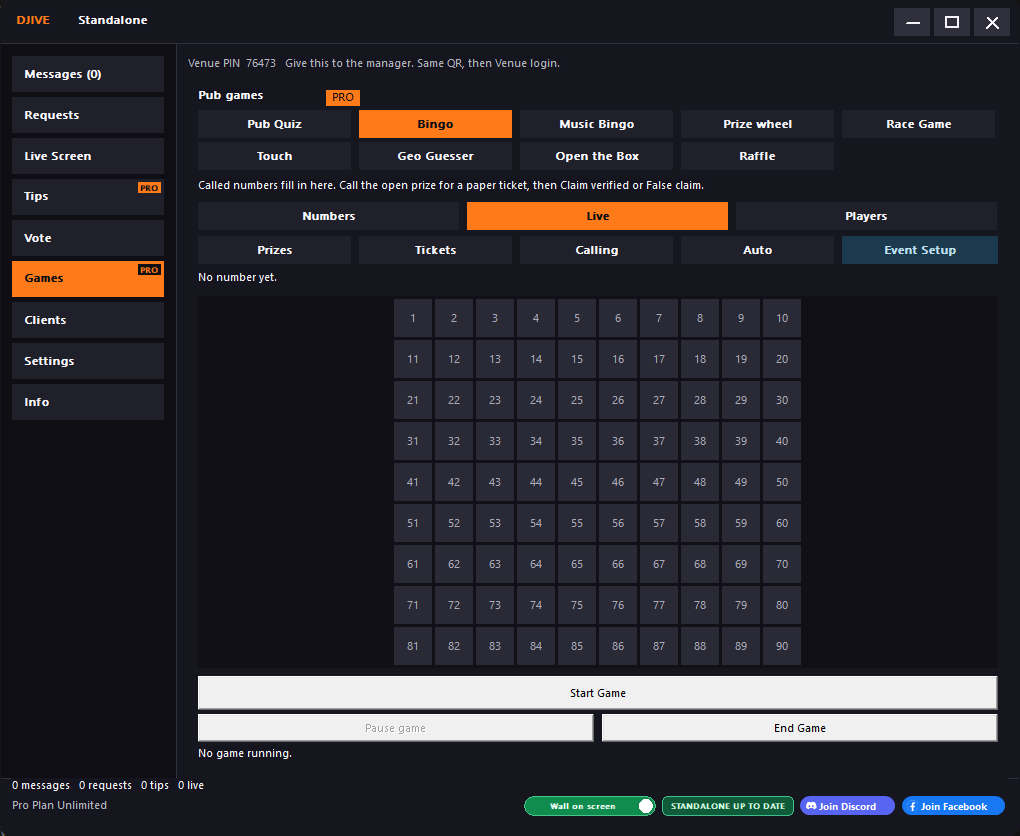
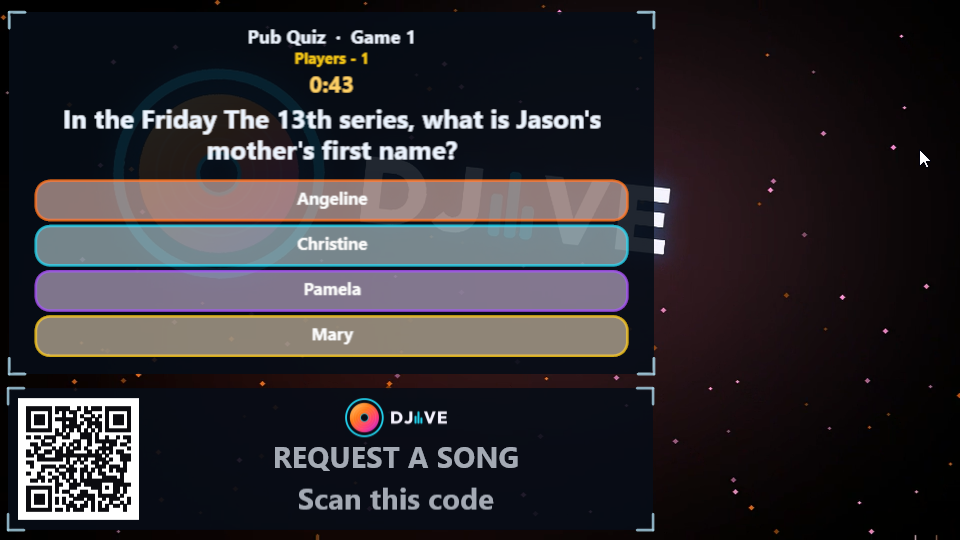
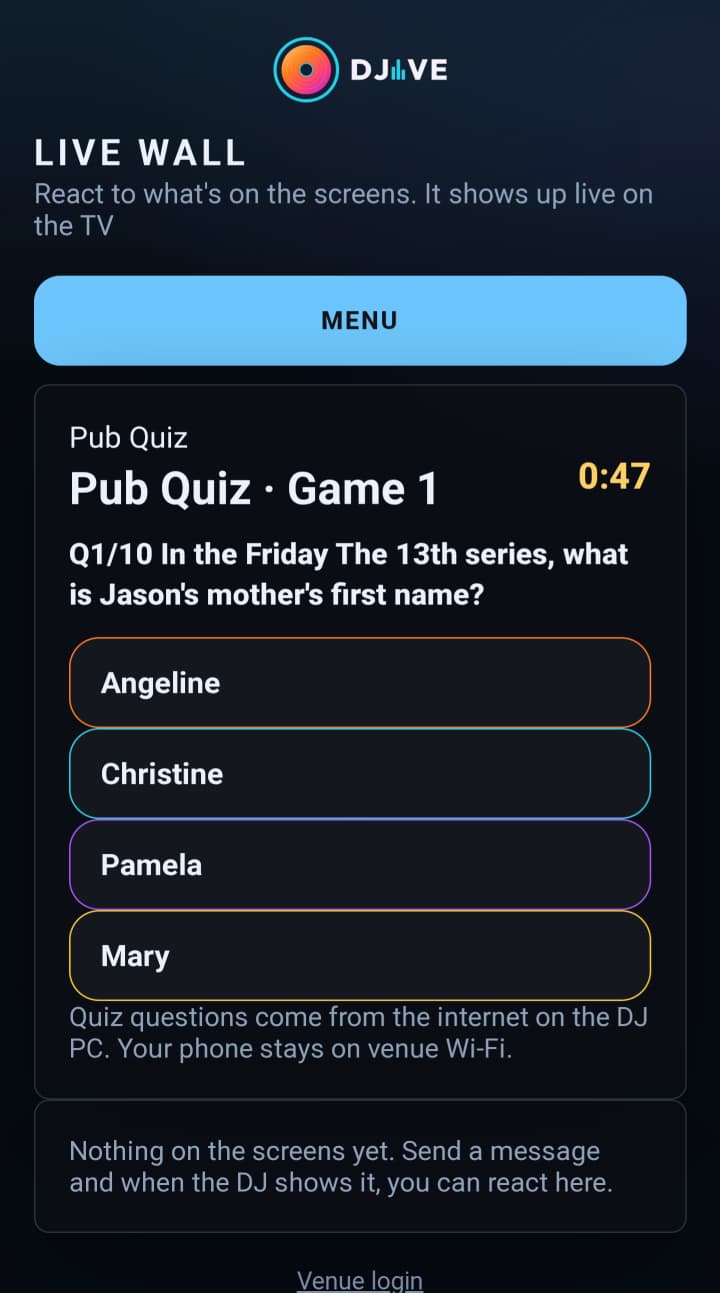
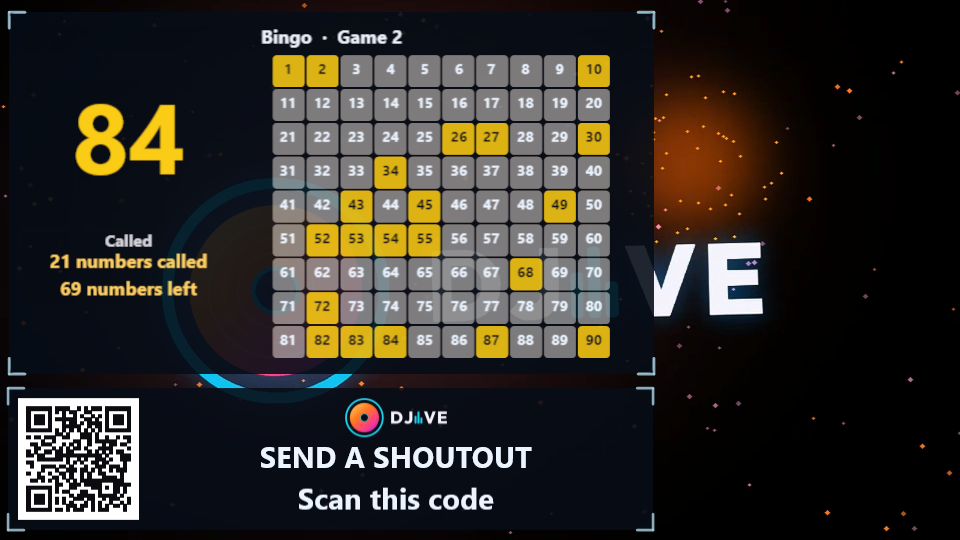
Open Games in the booth. The game fills the big card on the TV. The chat and the QR stay. People play from the venue Wi-Fi. Run it for fun, or hand out a prize yourself. DJIVE doesn't take the money.
✓ One game at a time. The other game tabs stay locked until it finishes.
✓ A game and a vote do not run together. Stop one first.
✓ Joined games show Players. Community Touch shows Score, because nobody joins.
✓ A winner phone shows Winner, plus a claim number when that game has a prize. A phone that never joined only sees a note to join the next one.
✓ Free and Basic grey Games, with Purchase Pro plan to unlock.
The booth. Open Games, pick the game, then Start.
Pub Quiz Pro
Type the questions yourself, or load them from Open Trivia. Open Trivia needs the internet. Guest phones stay on the venue Wi-Fi.
Set up to 10 rounds. Each round has its own subject and difficulty.
Build the list from Open Trivia, or type your own questions. Start uses that list, then people join from their phones.
Play as singles, or as teams with a password. From the booth you can create a team, rename it, move someone, or remove them.
After each round the TV ranks the scores. The side chat names the winner.
Bingo Pro
Pick 15, 30, 75, or 90 numbers. It runs on your computer. No internet is needed.
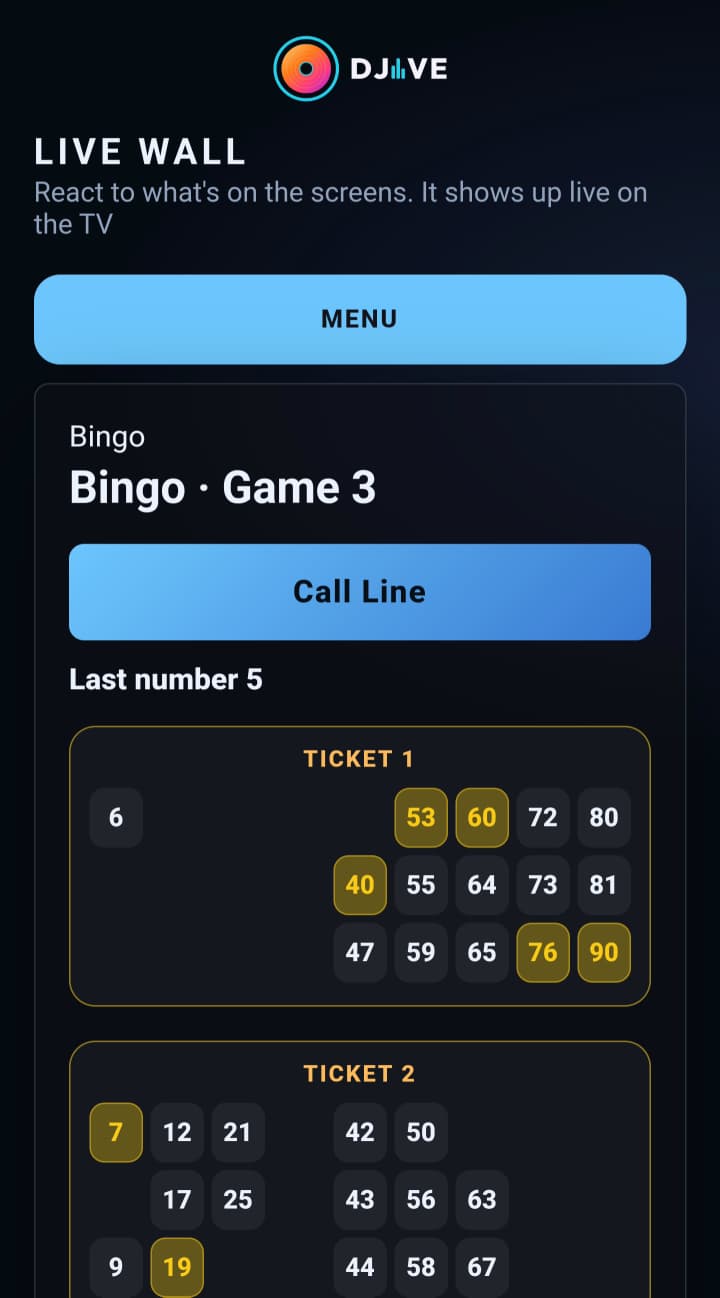
People join, then each phone gets a card. They tick the numbers as you call them. In the booth you can see each card, with called numbers outlined and dabbed numbers filled in.
The card closest to a win stays at the top. A line, two lines, and a full house can each have a prize.
Event is for a night with more than one game. People join once, then each game deals that game's tickets.
When someone claims, Confirm and False claim appear in the booth. A winner's phone says Winner and the prize.
Music Bingo Pro
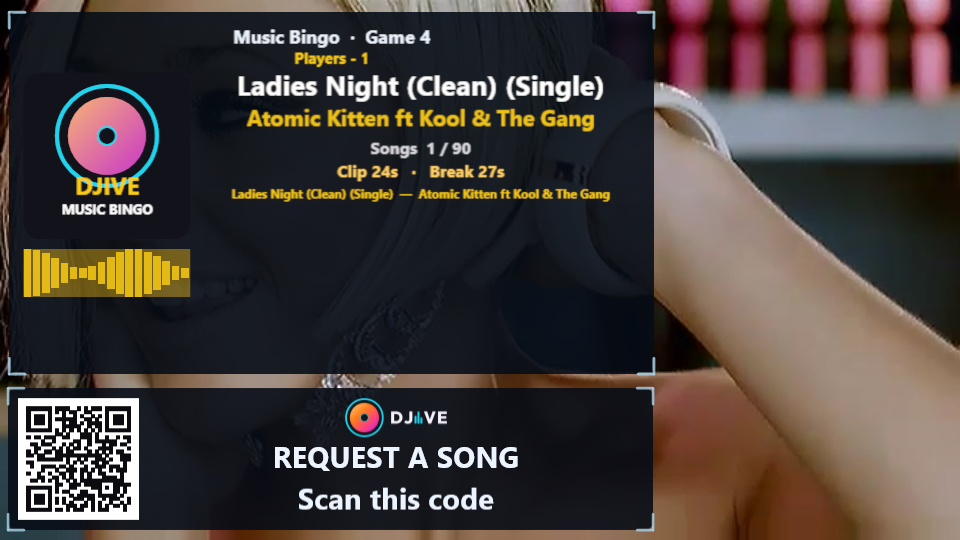
Choose a folder of songs and videos on your computer. Those clips play on the TV while guests mark their cards.
Open Build, pick the folder, and tap Build list. You need at least 16 files. A name like Artist - Title fills the artist and the title. A game uses 30 to 90 songs.
Each clip skips ahead, then plays for the length you set. A video shows on the TV in place of the background. A music file leaves the background running, and you still hear the song.
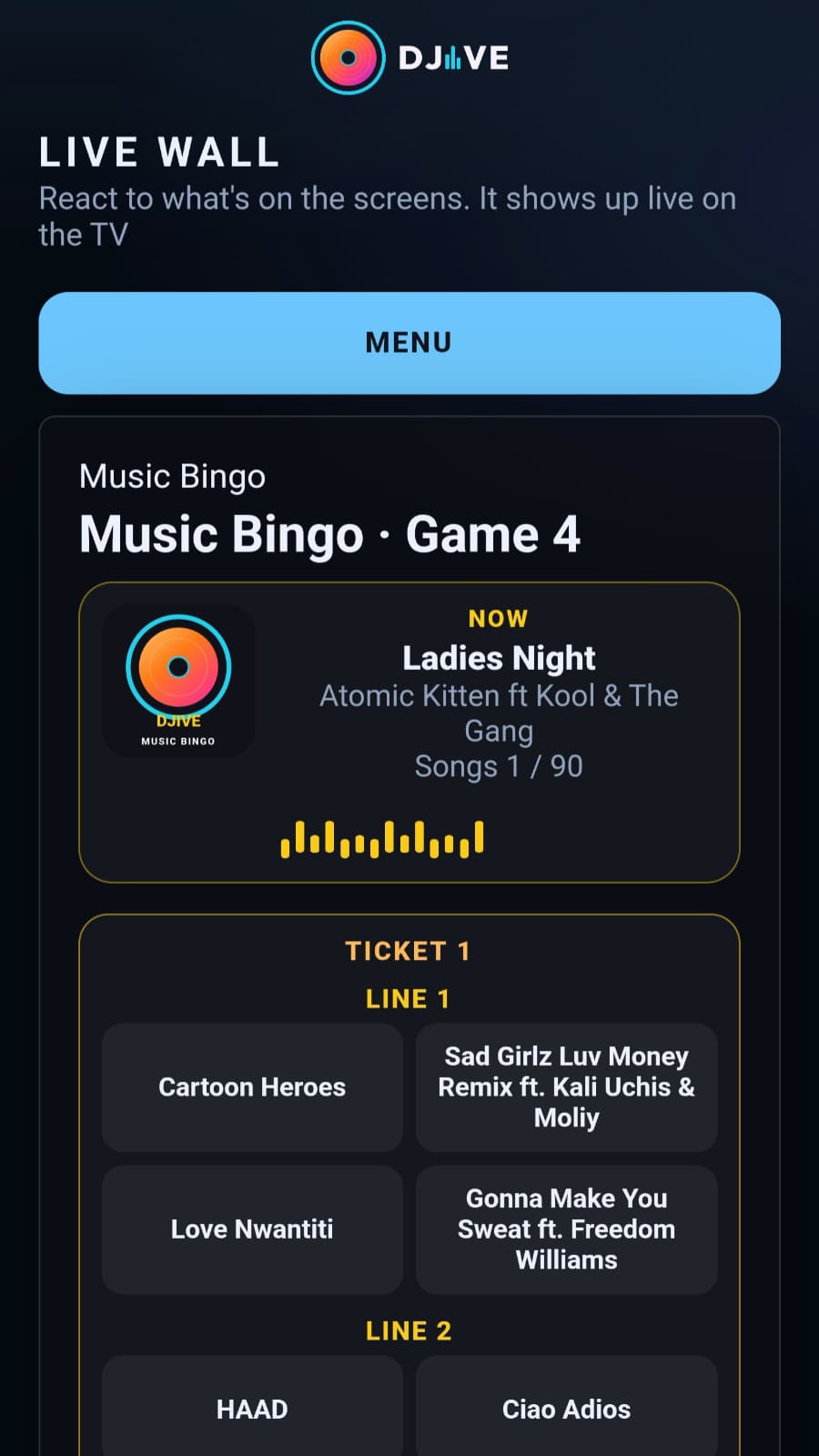
Guests tick the songs they hear. A full row or column is a line. A full house ends the game. Confirm claim and False claim work the same way as Bingo.
Geo Guesser Pro
Your computer needs the internet so the photos can download. Guest phones stay on the venue Wi-Fi.
Build downloads the photos first, up to 10 places. Click one to see it full, and refresh any you do not want before you start.
Paste a free Mapillary token in Setup if you want street photos. With no token, the photos are famous places.
People who have joined look at the photo, then drop a pin. The TV draws a line from each guess to the real place. The lowest total distance wins.
Open the Box Pro
One player, and you as the host. You fill the prizes. They open the boxes from their phone.
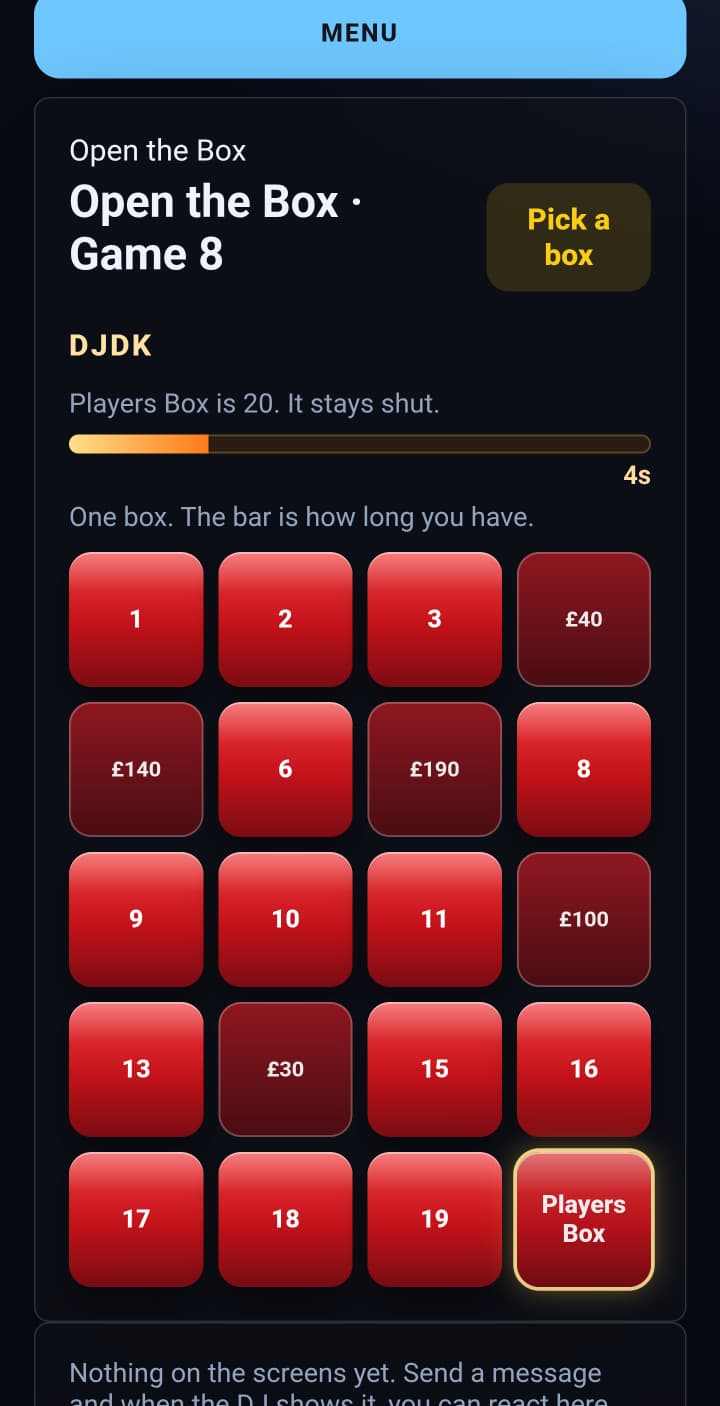
Set how many boxes and type a prize in each. Start makes a 5-digit code. Give them the code. They pick their box, then you press Continue game.
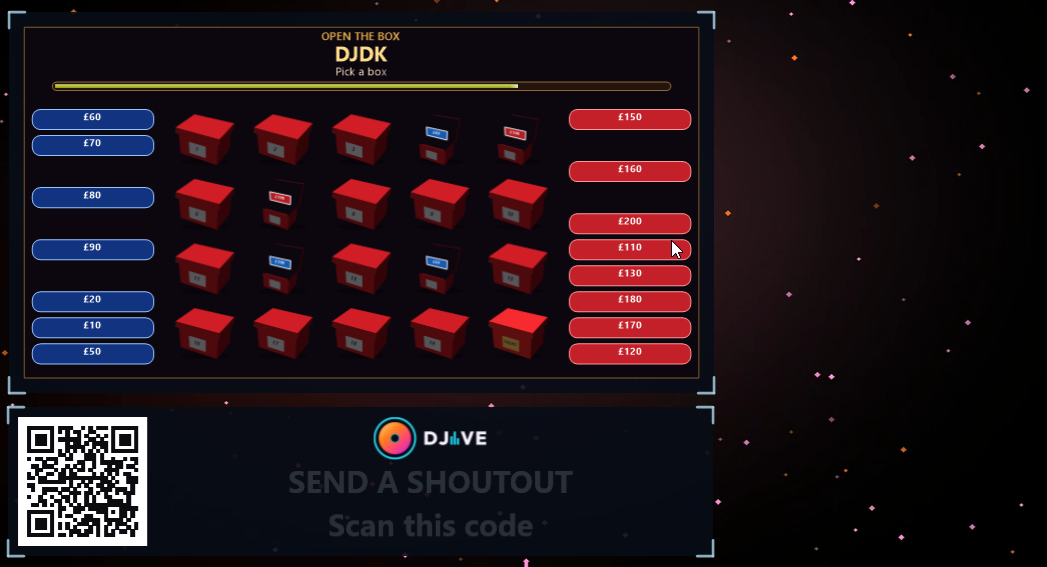
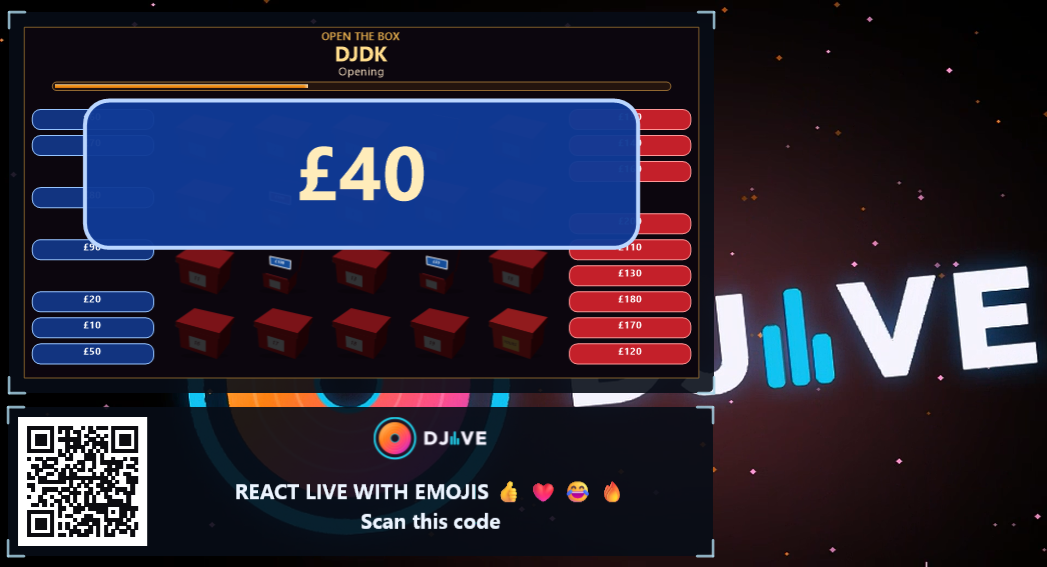
Smaller prizes sit on the left in blue. Larger prizes sit on the right in red. The boxes are in the middle. One opens at a time, and the prize shows on the TV first.
When you are ready, type an offer and press Show offer. Accept is green and Reject is red on their phone. On the last two they can swap or keep.
Raffle Pro
You draw the tickets. Phones watch the TV.
Click a ticket, pick its colour, and set from and to. + adds another ticket. The draw uses every one. On the remote, that colour and those two numbers stay on one line.
The TV says a raffle is about to start, then Winning ticket number is, with the bar, then the ticket.
Generate winning ticket draws the next one. Called tickets stay until you end the raffle. Slips can call a group of numbers instead of one ticket.
Prize wheel Pro
You spin. The room watches.
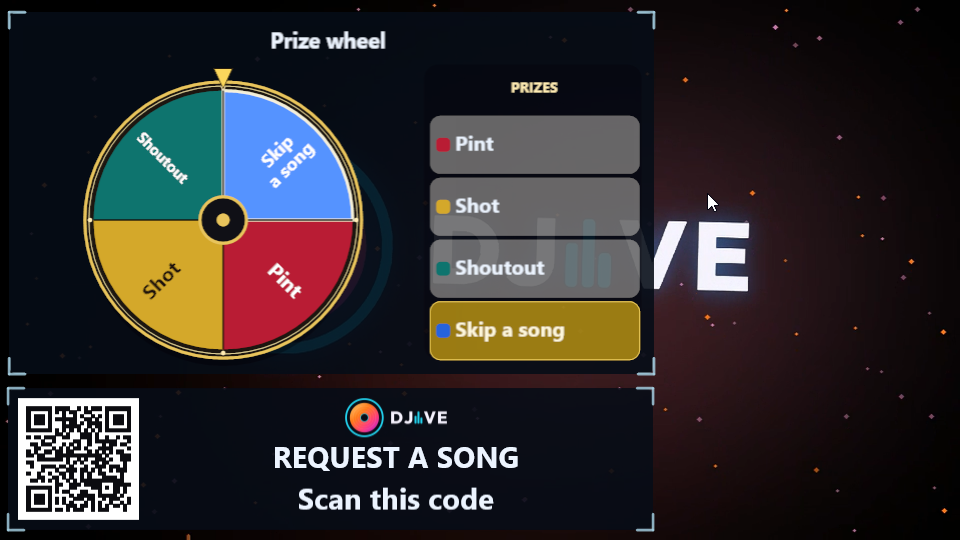
Fill 4 to 12 prize boxes. Each one is a wedge, with a colour in the key beside the wheel.
The pointer at the top lands on the prize. Chat says This Spin Won and the prize. You hand it out.
Race Game Pro
Play for fun. You give the prize.
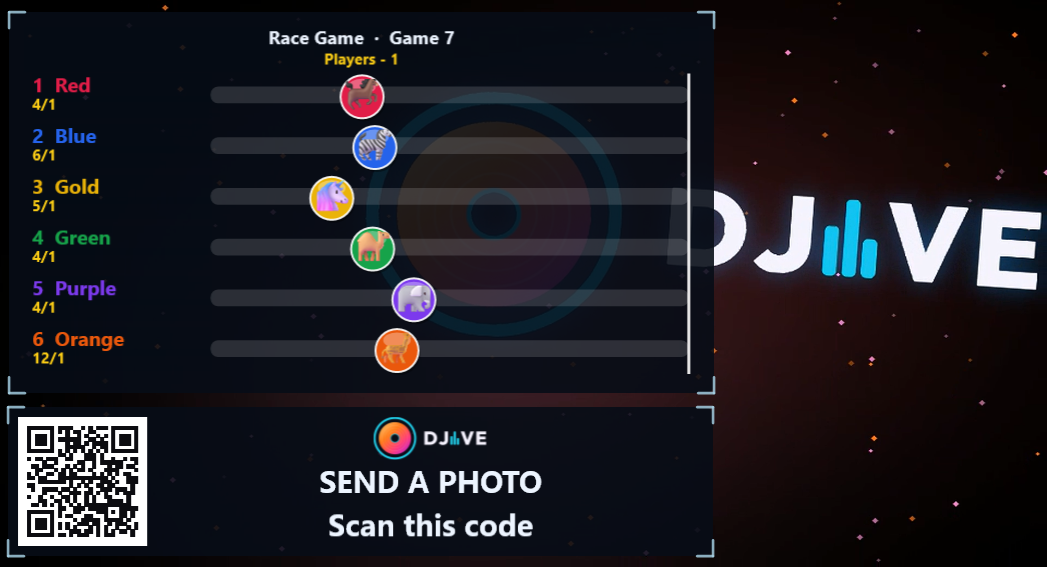
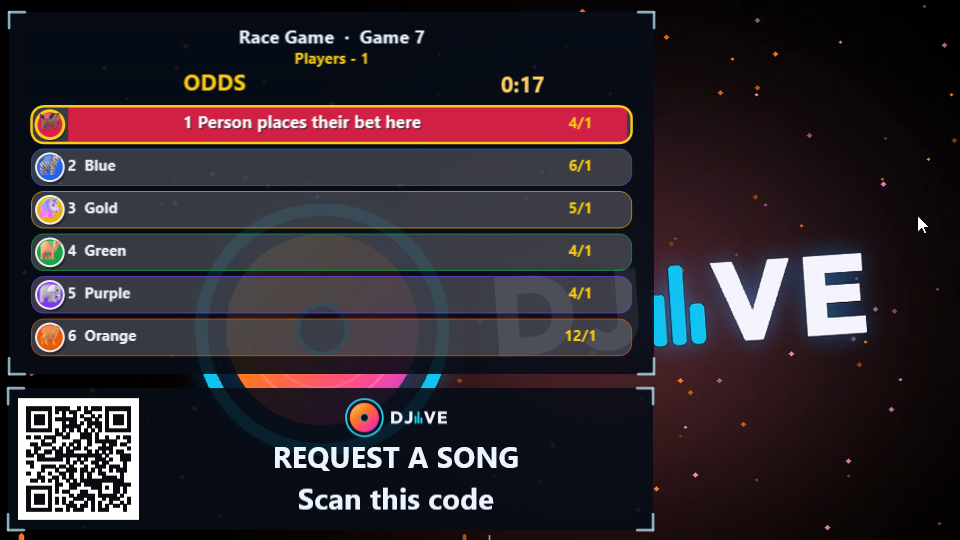
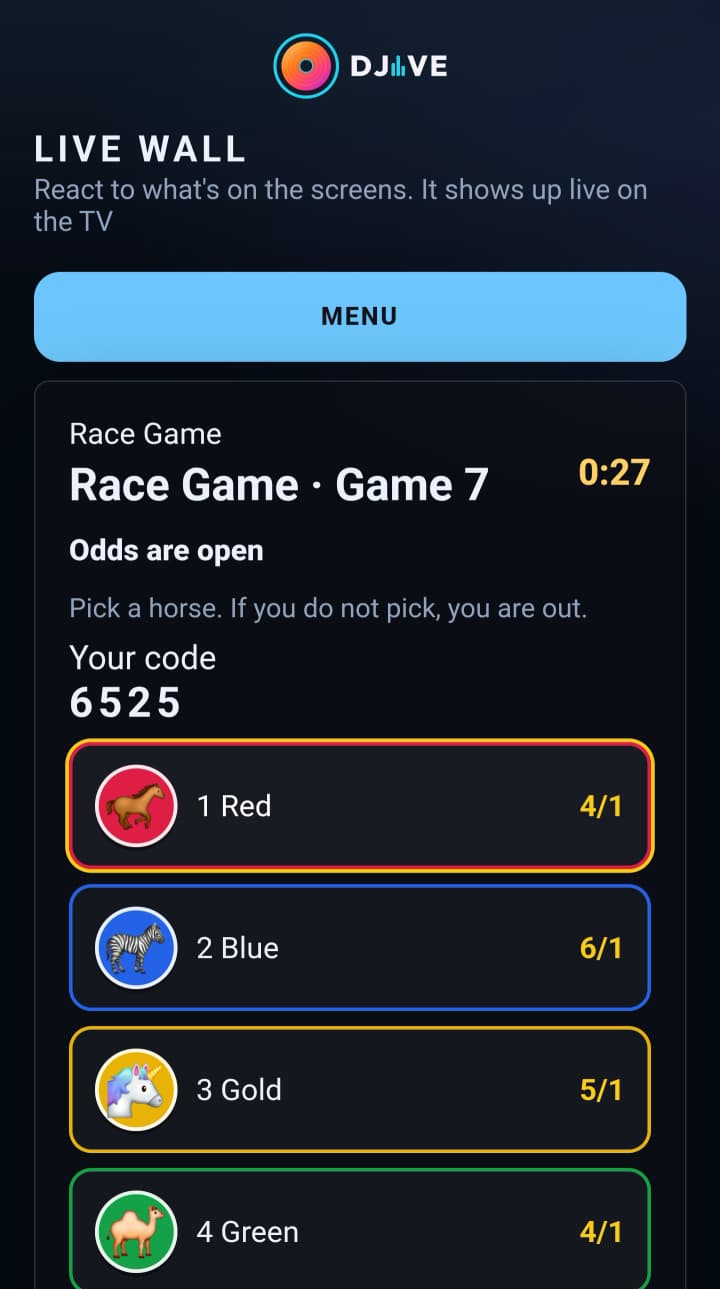
The lobby lists who is waiting. Then who bet, with odds. Then the runners go.
Pick what each runner is from the emoji grid: animals and race cars. On the remote, Runners lists each lane, then the emoji. Green is already used. Gold is the runner you are changing. Race time is 10 to 120 seconds.
Every runner reaches the line. The winner’s lane lights up. A winning code shows on that phone until you Confirm.
Community Touch Pro
Nobody has to join. Every phone that has the guest page open gets the buttons, and the room plays one game together.
Pick Snake, Pong, or Breakout. The first round waits 30 seconds so people can scan the QR. The buttons are ready during that countdown.
Snake uses the arrows and the centre. Pong uses up and down. Breakout uses left and right. The board moves from whichever button was tapped the most.
A loss shows the score, then the next round starts. End game stops it. Pause freezes it. There is no prize to hand out.
 DJIVE